> ## Documentation Index
> Fetch the complete documentation index at: https://wb-21fd5541-docs-1778-mysql-updates.mintlify.site/llms.txt
> Use this file to discover all available pages before exploring further.
> Add descriptions to model card to document your model
# Document machine learning model
Add a description to the model card of your registered model to document aspects of your machine learning model. Some topics worth documenting include:
* **Summary**: A summary of what the model is. The purpose of the model. The machine learning framework the model uses, and so forth.
* **Training data**: Describe the training data used, processing done on the training data set, where is that data stored and so forth.
* **Architecture**: Information about the model architecture, layers, and any specific design choices.
* **Deserialize the model**: Provide information on how someone on your team can load the model into memory.
* **Task**: The specific type of task or problem that the machine learning model is designed to perform. It's a categorization of the model's intended capability.
* **License**: The legal terms and permissions associated with the use of the machine learning model. It helps model users understand the legal framework under which they can utilize the model.
* **References**: Citations or references to relevant research papers, datasets, or external resources.
* **Deployment**: Details on how and where the model is deployed and guidance on how the model is integrated into other enterprise systems, such as a workflow orchestration platforms.
## Add a description to the model card
1. Navigate to the [W\&B Model Registry](https://wandb.ai/registry/model).
2. Select **View details** next to the name of the registered model you want to create a model card for.
3. Go to the **Model card** section.
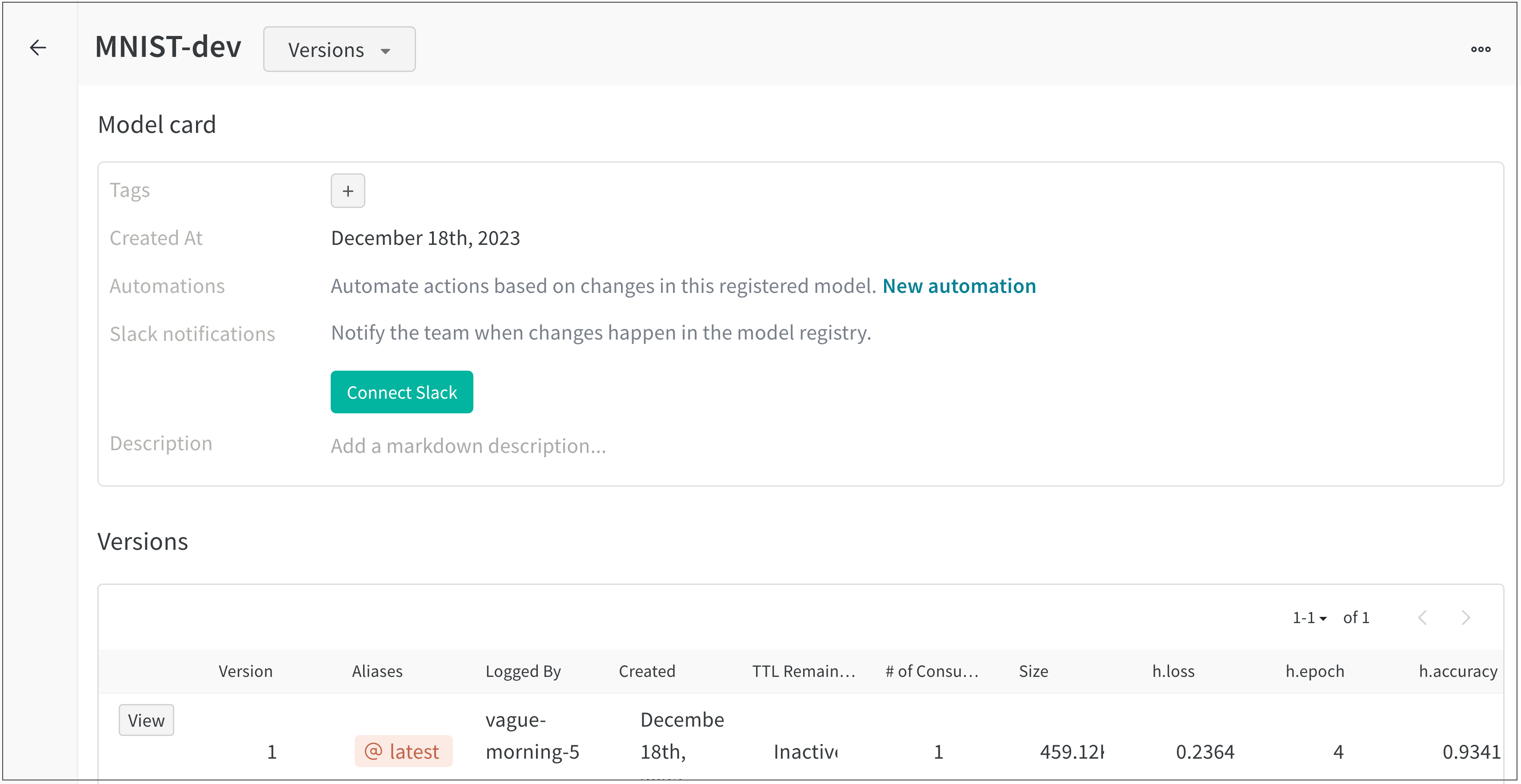 3. Within the **Description** field, provide information about your machine learning model. Format text within a model card with [Markdown markup language](https://www.markdownguide.org/).
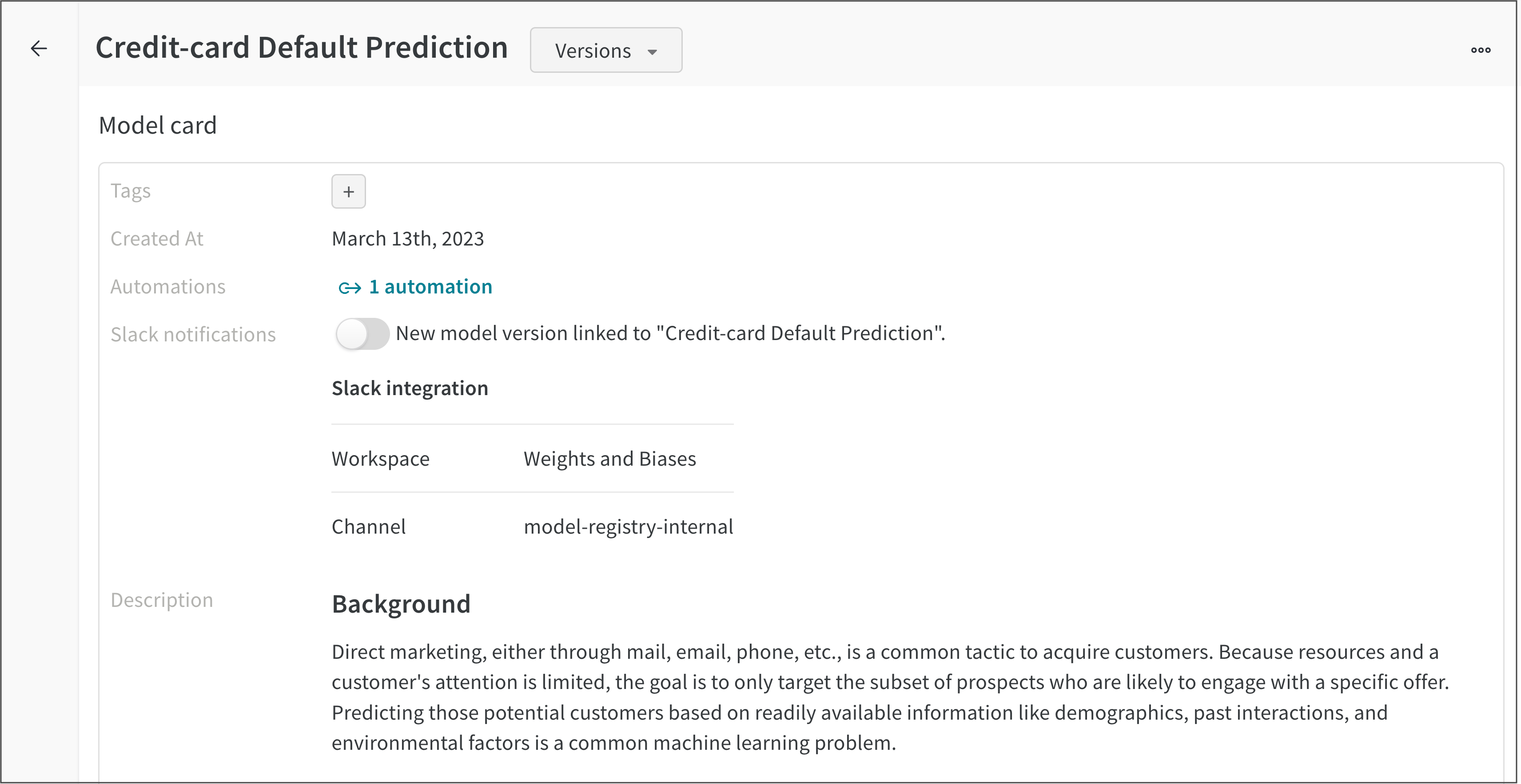
For example, the following images shows the model card of a **Credit-card Default Prediction** registered model.
3. Within the **Description** field, provide information about your machine learning model. Format text within a model card with [Markdown markup language](https://www.markdownguide.org/).
For example, the following images shows the model card of a **Credit-card Default Prediction** registered model.