> ## Documentation Index
> Fetch the complete documentation index at: https://wb-21fd5541-docs-1778-mysql-updates.mintlify.site/llms.txt
> Use this file to discover all available pages before exploring further.
# Organize models
Use model tags to organize registered models into categories and to search over those categories.
1. Navigate to the [W\&B Model Registry](https://wandb.ai/registry/model).
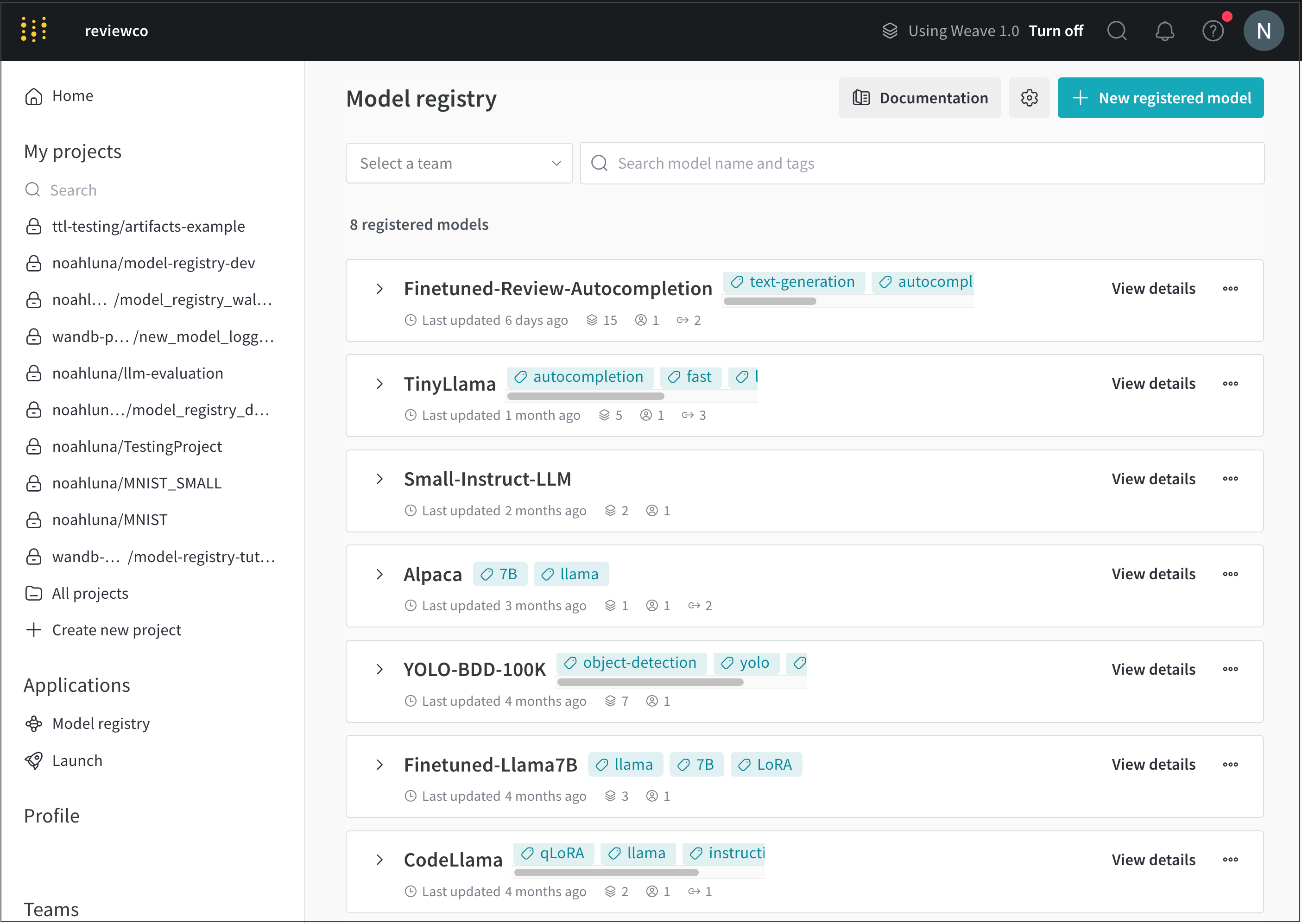
2. Select **View details** next to the name of the registered model you want to add a model tag to.
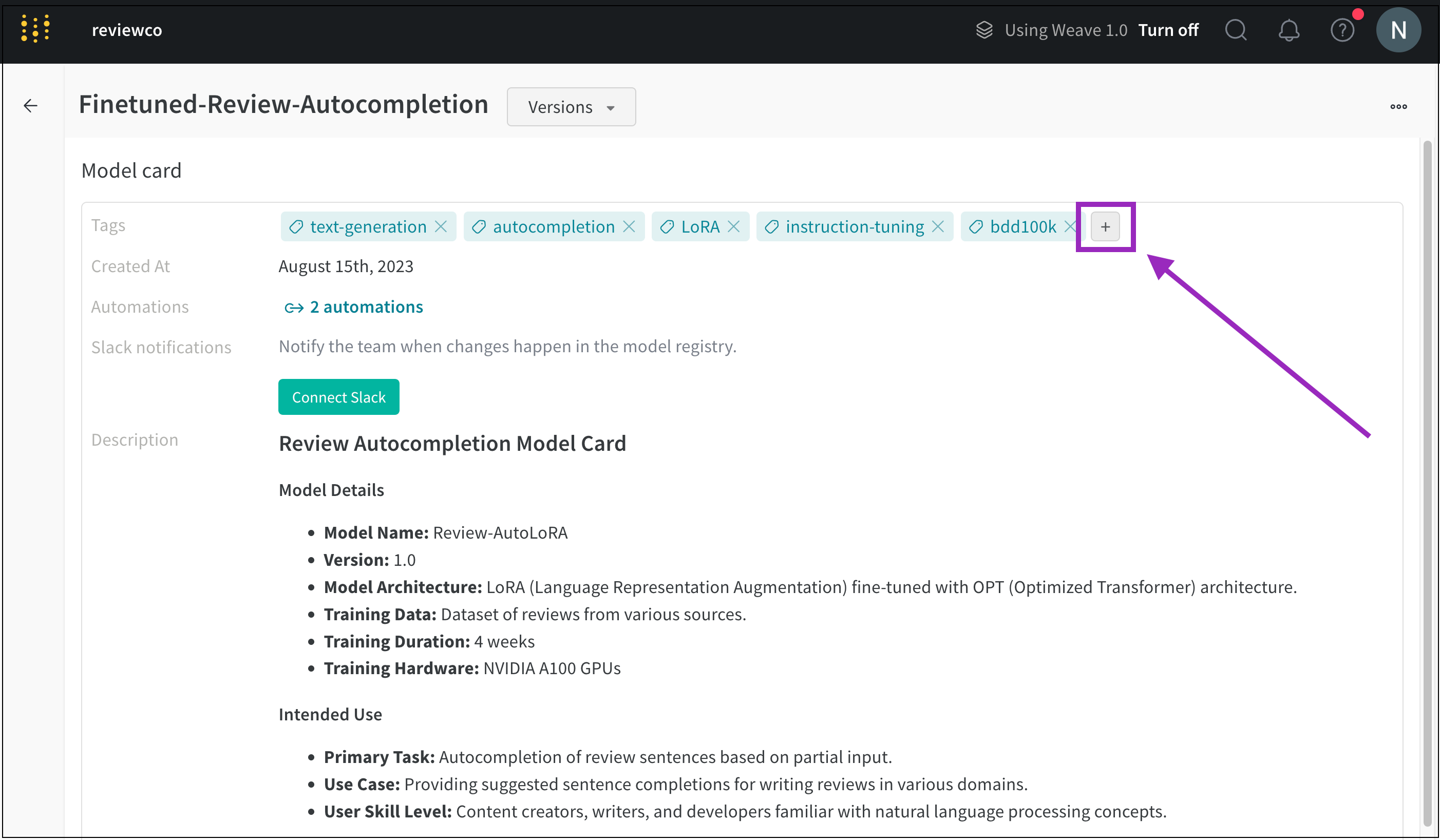
 3. Scroll to the **Model card** section.
4. Click the plus button (**+**) next to the **Tags** field.
3. Scroll to the **Model card** section.
4. Click the plus button (**+**) next to the **Tags** field.
 5. Type in the name for your tag or search for a pre-existing model tag.
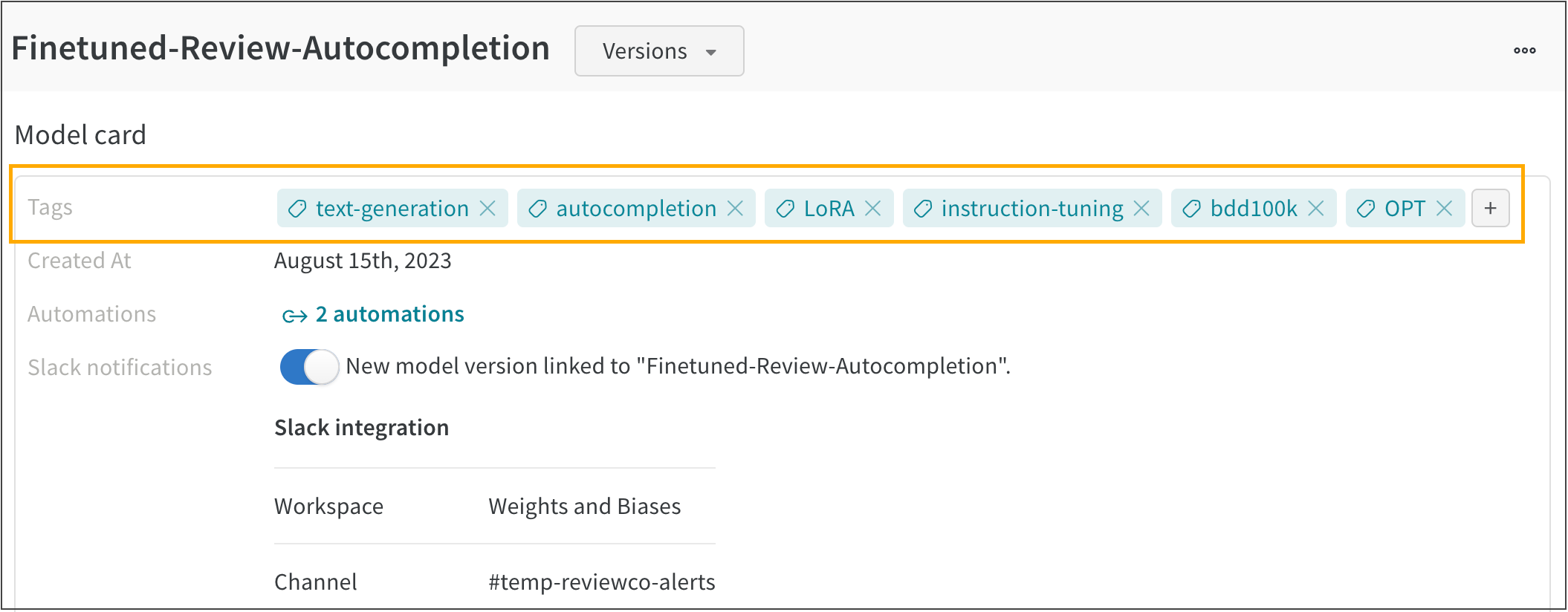
For example. the following image shows multiple model tags added to a registered model called **FineTuned-Review-Autocompletion**:
5. Type in the name for your tag or search for a pre-existing model tag.
For example. the following image shows multiple model tags added to a registered model called **FineTuned-Review-Autocompletion**: