

 Platform
 W&B Models
 W&B Weave
 W&B Inference
 W&B Training
 Release Notes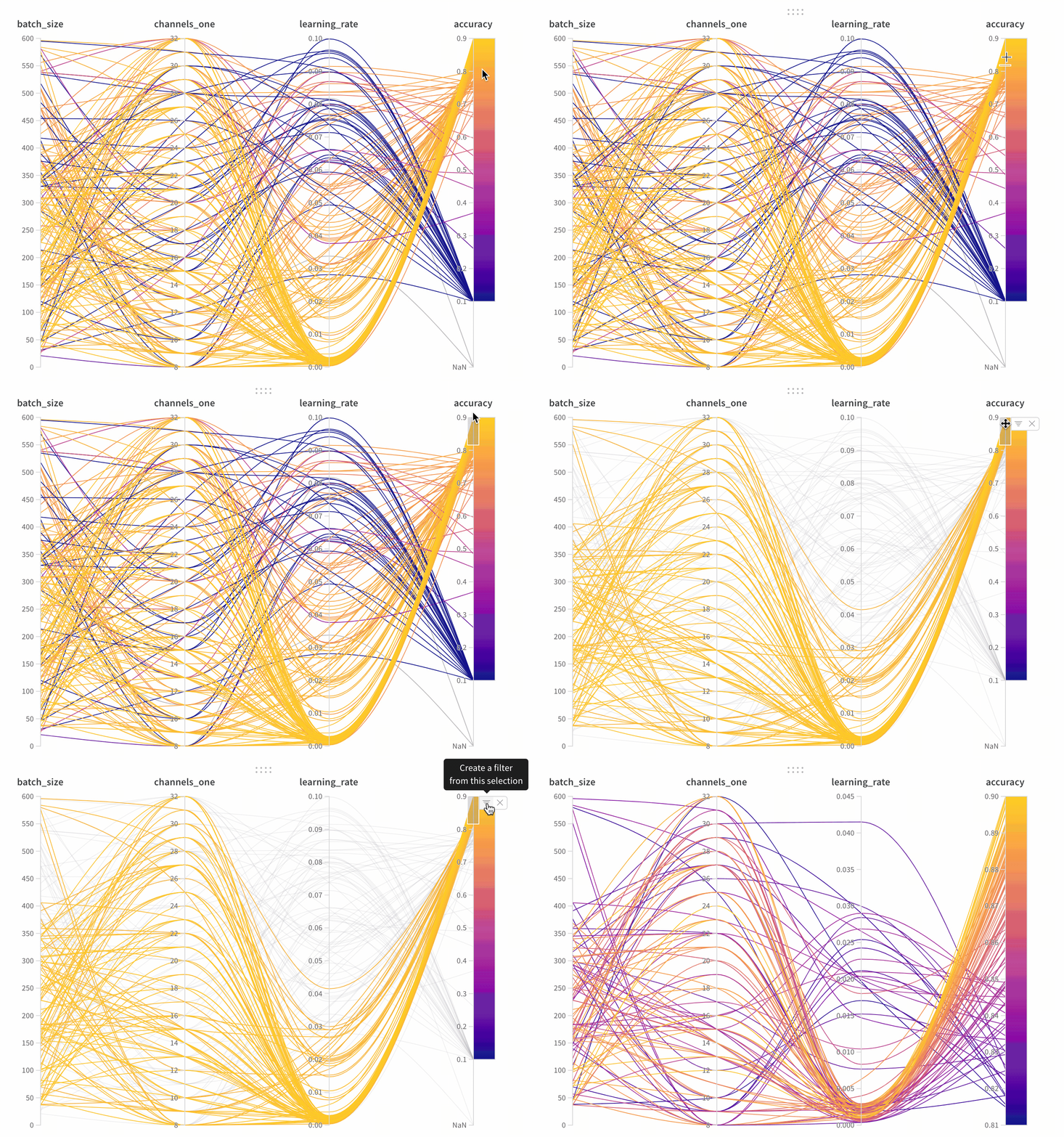
- Axes: Different hyperparameters from
wandb.Run.configand metrics fromwandb.Run.log(). - Lines: Each line represents a single run. Mouse over a line to see a tooltip with details about the run. All lines that match the current filters will be shown, but if you turn off the eye, lines will be grayed out.
Create a parallel coordinates panel
- Go to the landing page for your workspace
- Click Add Panels
- Select Parallel coordinates
Panel Settings
To configure the panel, click the edit button in the upper right corner of the panel.- Tooltip: On hover, a legend shows up with info on each run
- Titles: Edit the axis titles to be more readable
- Gradient: Customize the gradient to be any color range you like
- Log scale: Each axis can be set to view on a log scale independently
- Flip axis: Switch the axis direction— this is useful when you have both accuracy and loss as columns