

 Platform
 W&B Models
 W&B Weave
 W&B Inference
 W&B Training
 Release Notes
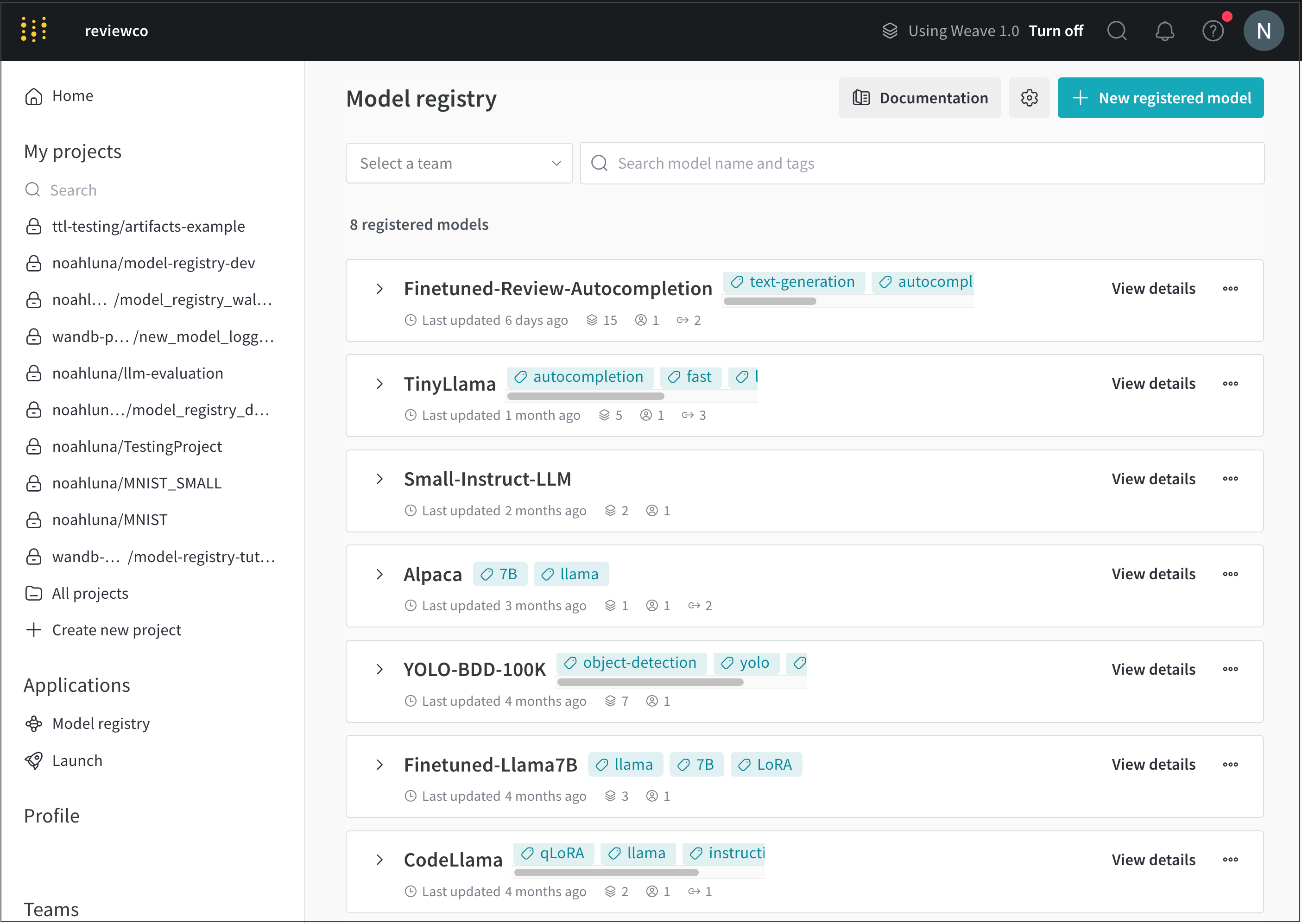
- Navigate to the W&B Model Registry.
-
Select View details next to the name of the registered model you want to add a model tag to.
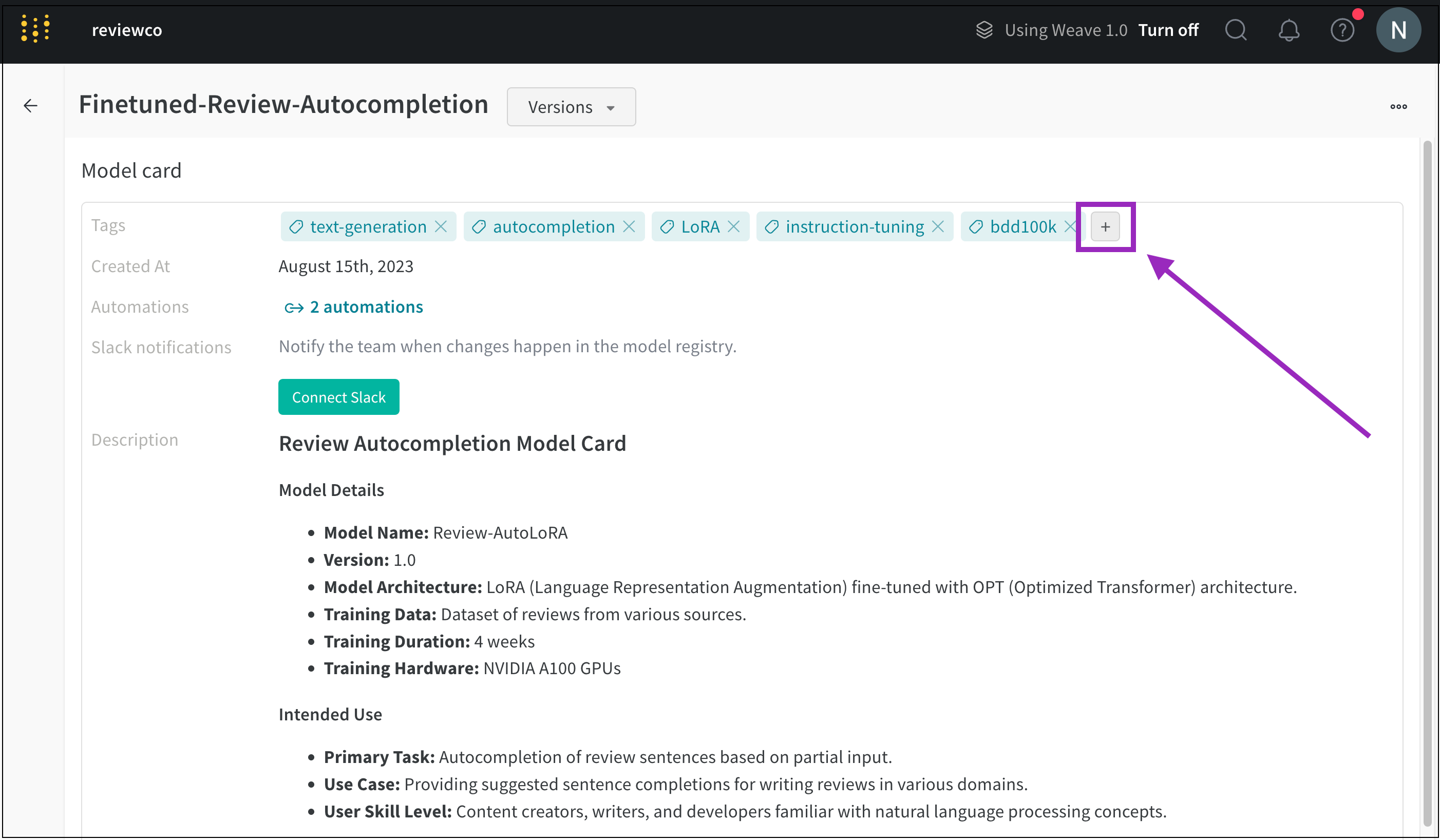
- Scroll to the Model card section.
-
Click the plus button (+) next to the Tags field.
-
Type in the name for your tag or search for a pre-existing model tag.
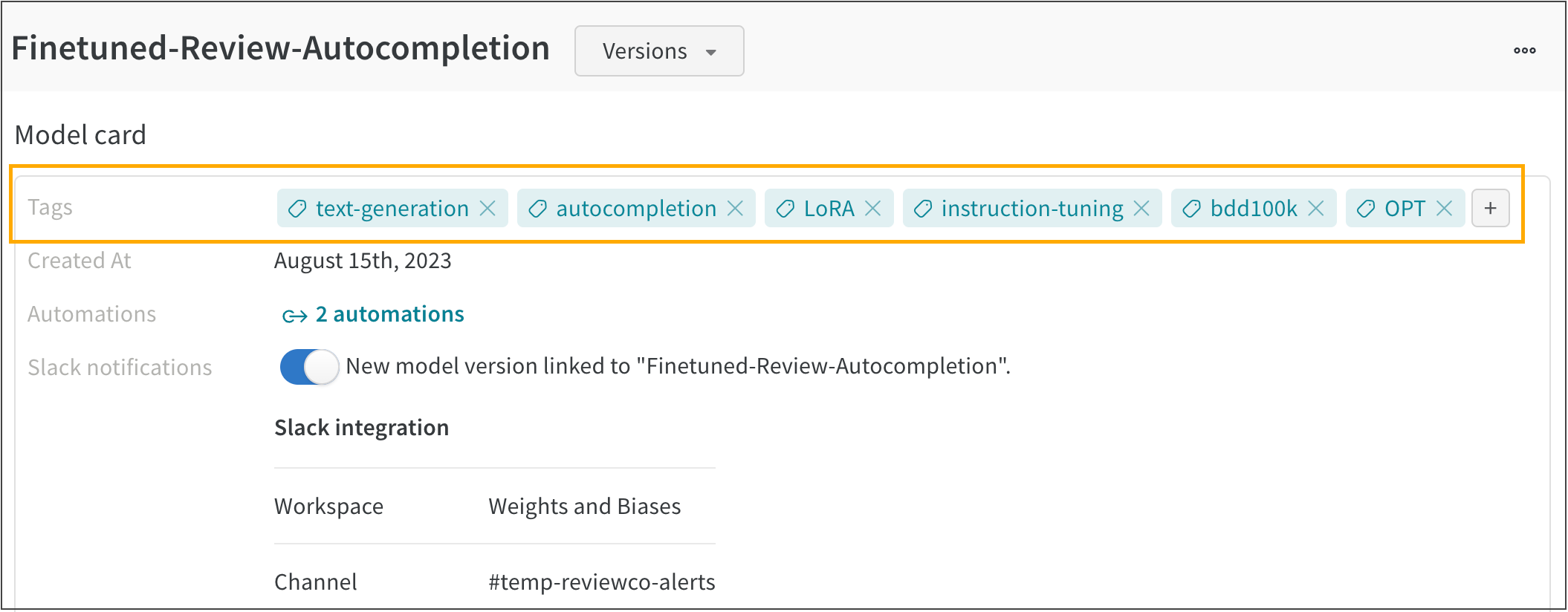
For example. the following image shows multiple model tags added to a registered model called FineTuned-Review-Autocompletion:
Organize models
Use model tags to organize registered models into categories and to search over those categories.